
Pick colors from any image online. Upload or paste a photo to extract HEX, RGB, HSL, HSV & more color codes instantly with our free Image Color Picker tool.
Online Image Color Picker – Extract Colors from Any Image
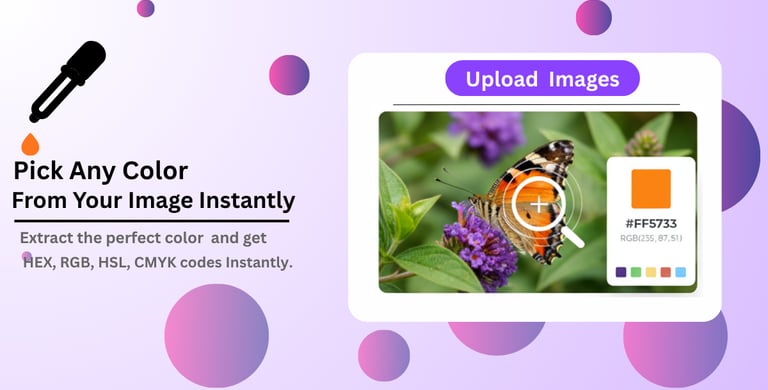

Image Color Picker Online – Get HEX, RGB, HSL & more Color Codes from Photos
Image Color Picker
How to Use Image Color Picker Tool (Step by Step):
Step 1: Upload Your Image
Upload the image from your computer or mobile device that you want to extract colors from.
Supported formats: JPG, PNG, GIF
Max file size: 10 MB
Step 2: Select the Color
Click on the exact pixel in the image whose color you want to pick.
Use your mouse or finger tap to select any area
Zoom in to capture small details precisely
Step 3: View Color Code
The tool will instantly display the color code of the selected pixel.
Hex: #FF5733
RGB: rgb(255, 87, 51)
HSL: hsl(9, 100%, 60%)
HSV, LAB, OKLCH: supported
Step 4: Copy or Use the Color Code
Easily copy the color code and use it in your web or graphic design projects.
One-click copy to clipboard
Save palette to use colors later
Color Shades, Tints, and Tones
Color shades, tints, and tones are the three core methods for expanding and refining your color palettes. By making precise adjustments to the brightness or intensity of a base color, you unlock a range of variants essential for cohesive web and interface design.
Shades: Made by mixing a base color with black, a shade is the resulting darker color. Use shades to impart visual weight and depth, leveraging their high contrast to define hierarchy within your layouts.
Tints: Tints are created by blending a base color with white, making the color lighter and softer. They are a staple for establishing visual balance and are often applied to low-contrast areas like backgrounds and borders, or used in contrast to a dark shade.
Tones: Tone are created by introduce gray (black + white) to the base color. This action the color, reducing its vibrancy and saturation. Tones are invaluable for developing subtle, sophisticated palettes that lend a sense of overall harmony and balance to a design.
More Tools
© 2026 ARROWPIX. All rights reserved.